iPhone · Android soon · Health & Fitness
You can’t
snooze this.
An alarm you can’t switch off until you’ve done something that proves you’re out of bed. Choose the mission the night before. In the morning it keeps ringing until you finish it.
Free to download · Subscription required · 7-day free trial on the yearly plan · Requires iOS 26.1 · Android coming soon
- 12
- missions to choose from
- 0
- snooze buttons
- 9
- alarm sounds, siren included
- 2
- protected mornings a week
Three decisions, and only one of them happens at 6am.
The hard part of getting up is that the person deciding is not the person who set the alarm. Roosta takes the decision away from them.
Choose the mission tonight
Set the time, pick which of the twelve missions has to be finished, and pick how hard it should be. You are deciding this while you still have judgement.
The alarm locks itself
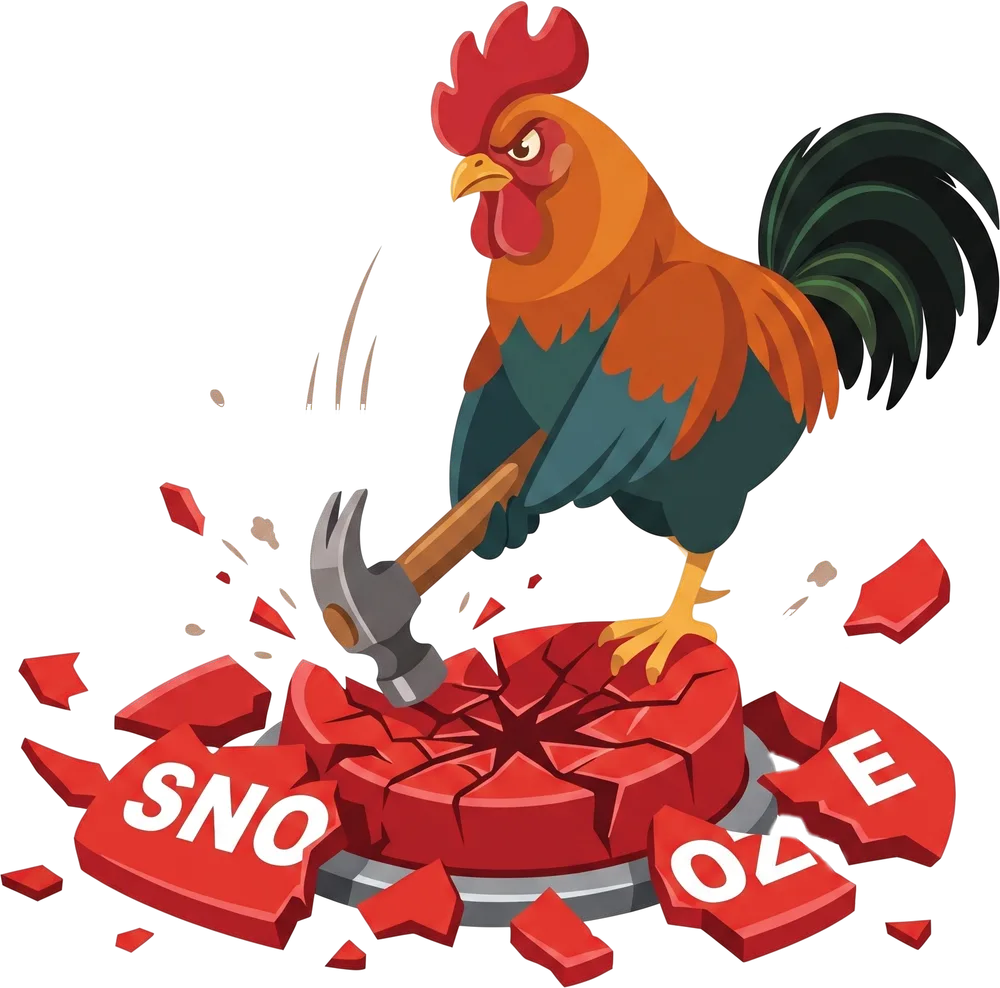
Hours before it rings, the alarm closes. The time cannot be moved, the alarm cannot be switched off, and it cannot be deleted while it is ringing.
Earn the morning
No snooze. No skip. No "I'm up" button to tap. The camera counts the reps and checks that the photo really is the sky, the grass, or a made bed.
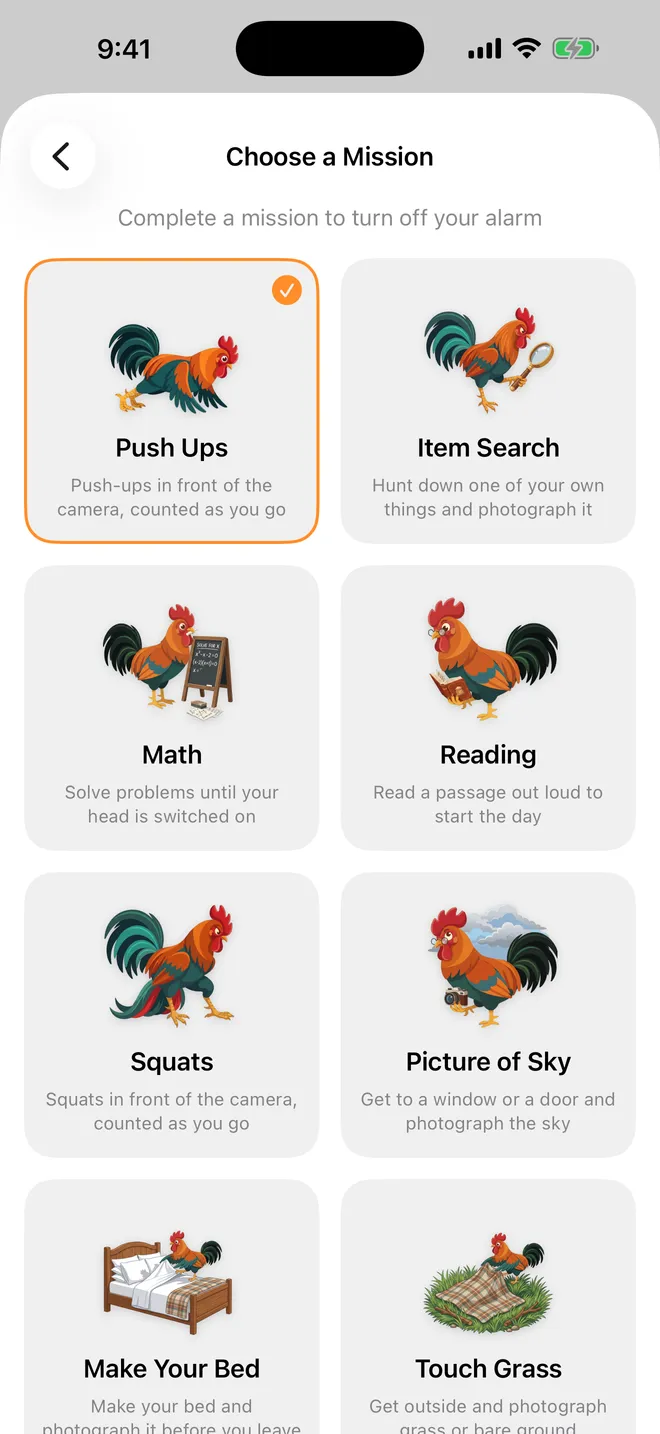
Twelve ways to prove it.
One mission per alarm, each with difficulty levels. Hard enough to wake you up; not so hard that you stop using it by Thursday.
Wake the body
Get you out from under the covers.

Push Ups
Push-ups in front of the camera, counted as you go

Item Search
Hunt down one of your own things and photograph it

Squats
Squats in front of the camera, counted as you go

Sit Ups
Sit-ups in front of the camera, counted as you go
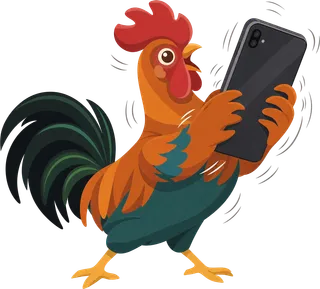
Shake
Shake the phone until the meter fills to the top
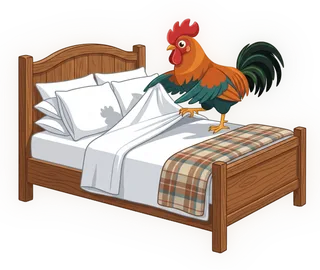
Make Your Bed
Make your bed and photograph it
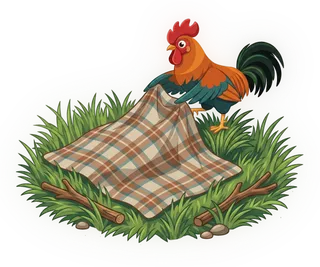
Touch Grass
Get outside and photograph grass or dirt

Picture of Sky
Get to a window or a door and photograph the sky
Wake the mind
Switch your head on before your thumb can lie for you.
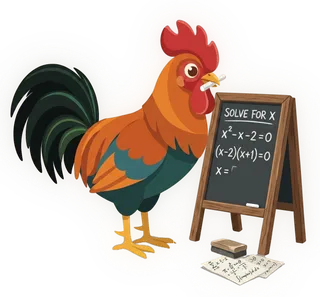
Math
Solve problems until your head is switched on

Memory
Watch the squares flash and repeat the order back

Reading
Read a passage out loud to start the day

Typing
Type out what is on screen
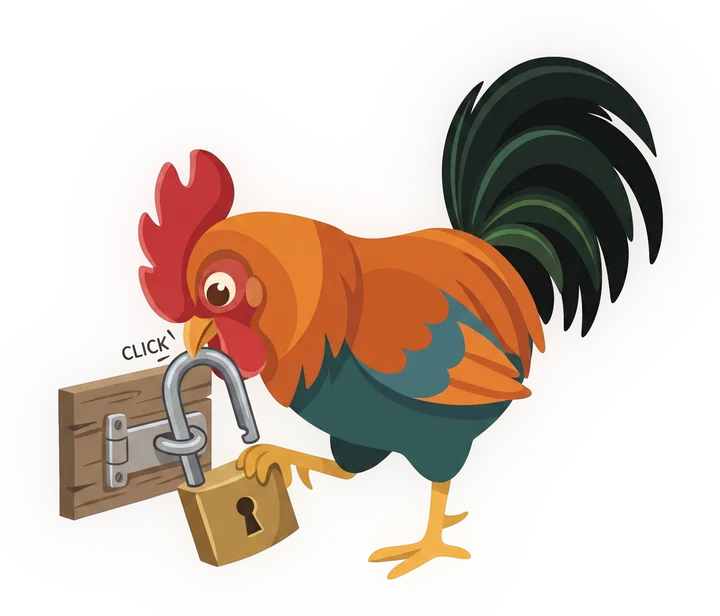
A lock you can undo isn’t a lock.
Hours before the alarm rings, it closes. Not as a warning — as a lock. That is the loophole Roosta exists to shut: the quiet 1am edit where you move the alarm forward an hour and promise yourself it’s just this once.
- The time cannot be moved and the alarm cannot be switched off once it has locked
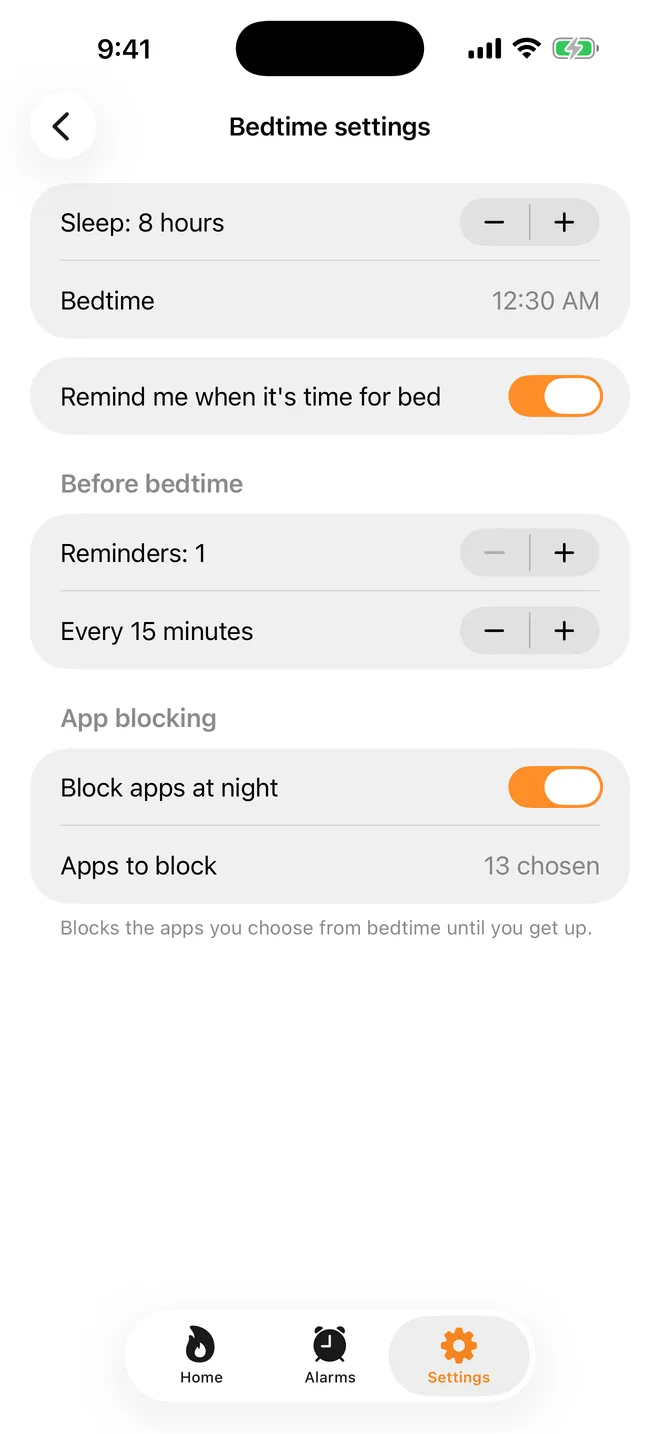
- Social apps can be blocked from your bedtime until you get up
- The app cannot be deleted while an alarm is ringing
A streak you can’t fake.
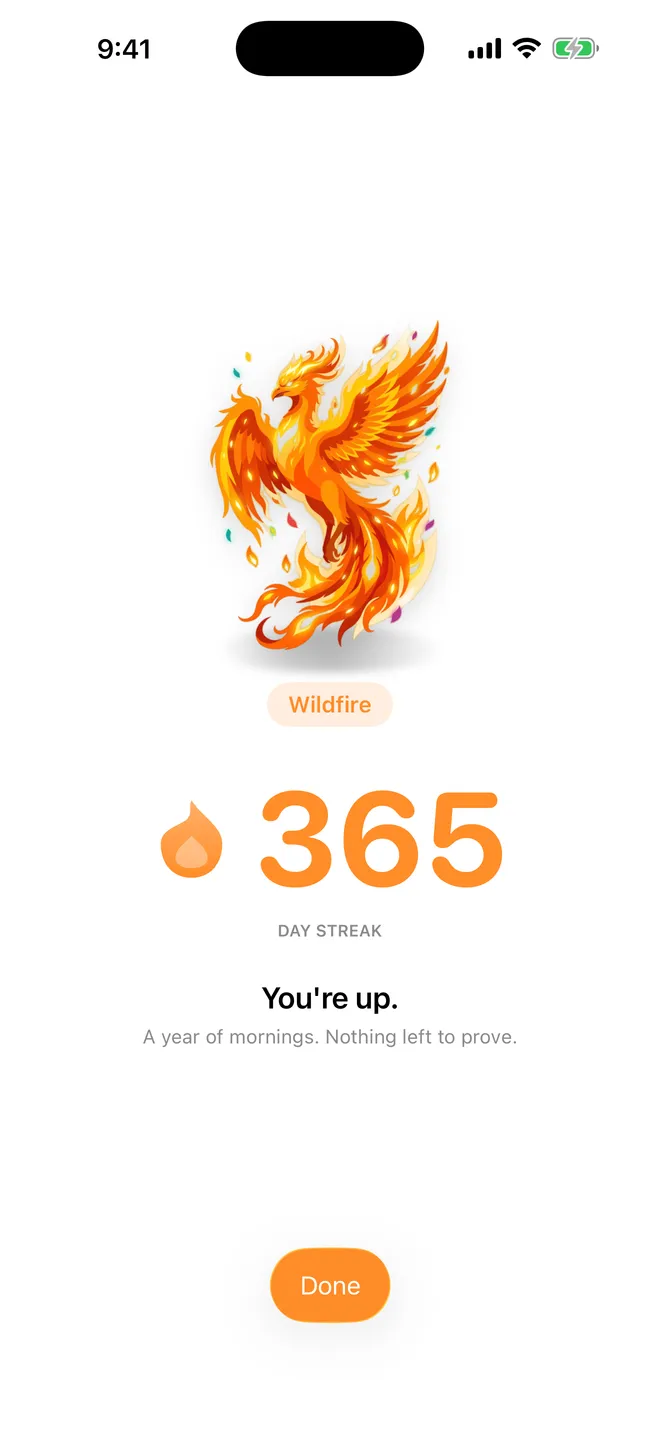
Your streak is computed from the mornings you actually claimed. Nothing is editable by hand and there is no way to quietly add a day you slept through. Nine tiers sit on top of it, from a cold rooster at zero to a wildfire at three hundred and sixty-five.

Seven out of seven isn’t always the point.
Two mornings a week are protected, and there is nothing to switch on. The alarm still rings, getting up still counts, and the record still shows exactly what happened — a covered morning simply wears a snowflake instead of a red cross. You cannot save one for a lie-in you have planned: a freeze is applied after the fact, never spent in advance, and the two reset every Monday.
Getting up starts the evening before.
Tell Roosta how much sleep you want and it works backwards to the bedtime that gets you there, then says so while there is still time to act on it. The same lock that holds your alarm can hold the apps that keep you up.
- A bedtime computed from the sleep you asked for, not one you typed in
- Reminders as it approaches, as many as you want them
- Wake-up patterns afterwards: consistency, average wake time, how long you took to answer

What it actually looks like.
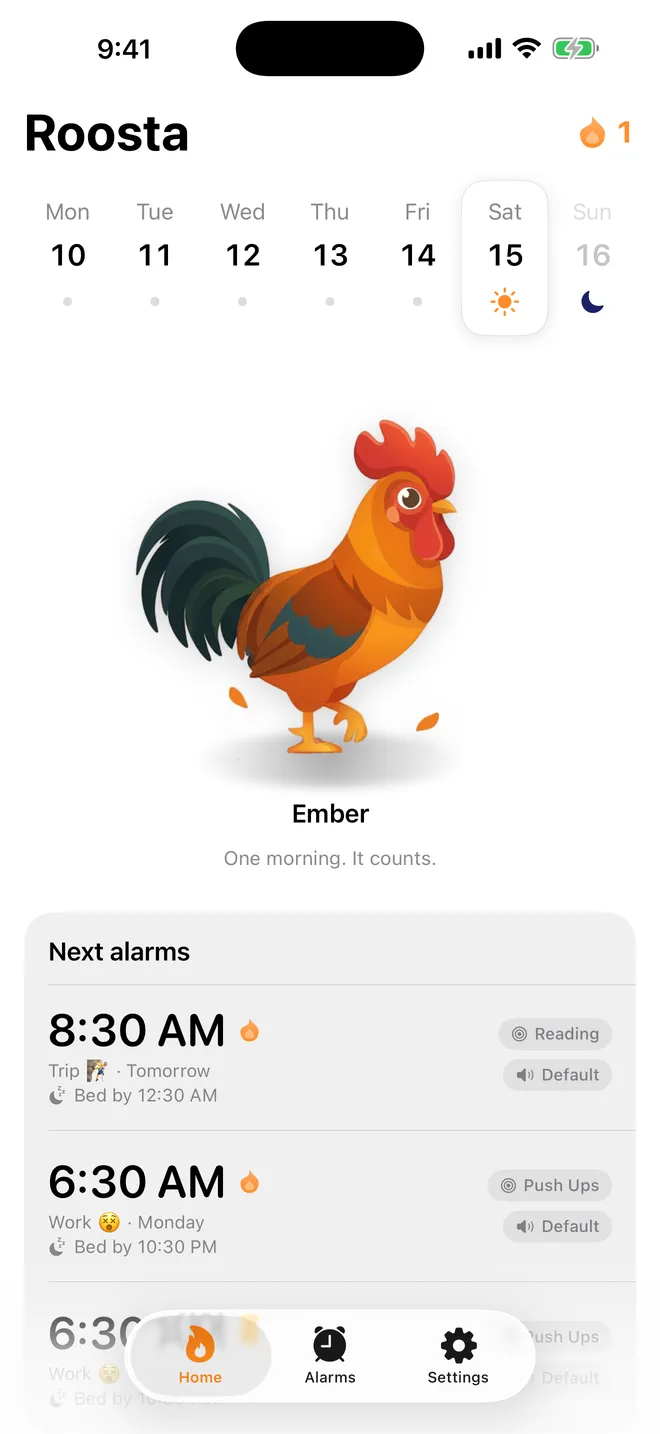
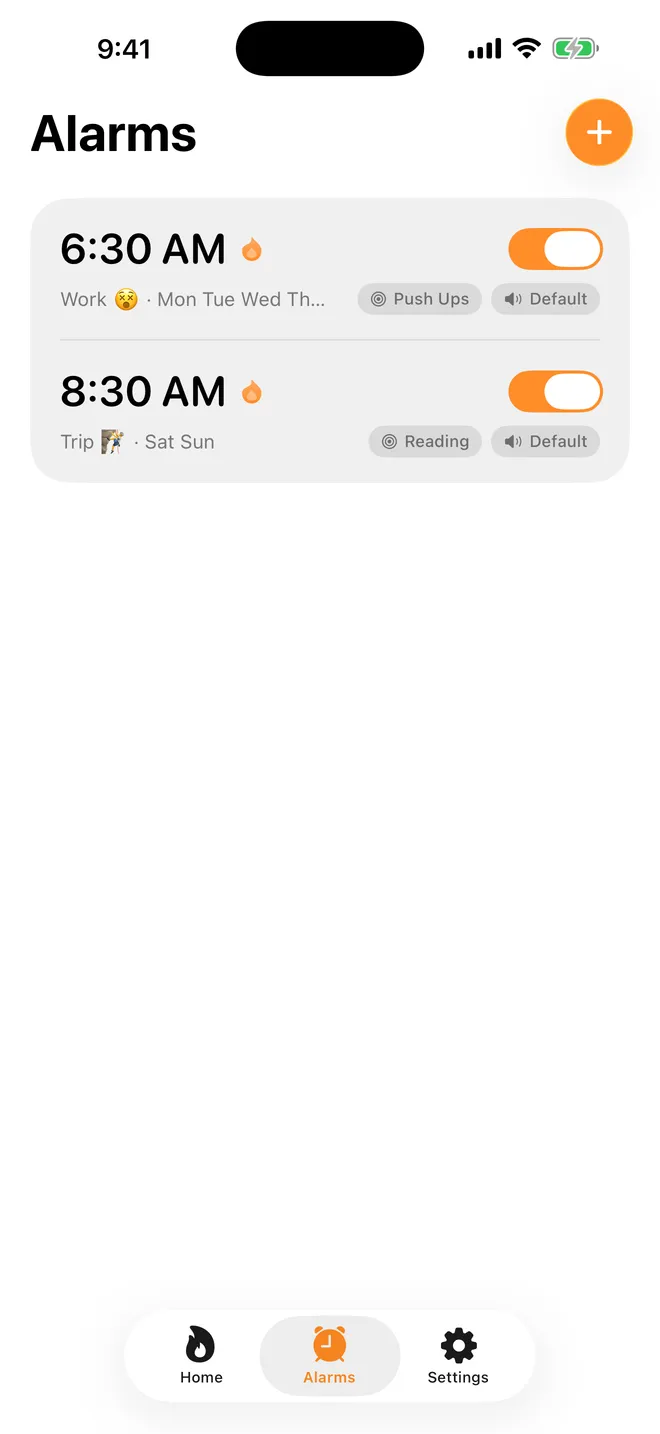
The camera watches you. Nobody else does.
Missions are judged on your phone
Reps are counted and photos are checked by the phone itself. Nothing the camera or the microphone captures is uploaded, and nothing is kept once the mission has been judged.
The account is optional
Sign in only if you want your alarms, settings and wake-up history to come back on a new phone. Deleting the account erases all of it in one operation, from inside the app, without asking us.
No ads, no tracking, no mailing list
Roosta sells a subscription and nothing else. Creating an account does not put you on a list — we do not send marketing email and have no mechanism to.
One subscription. Everything in it.
Roosta is free to download and does nothing until you subscribe — there is no limited free mode and no feature held back for a higher tier. Prices are shown in your own currency on the purchase screen, before you confirm anything.
Try it for a week
One week of access per period, renewing weekly until you stop it. No trial — the first week is the trial.
Commit to the year
Twelve months per period, with a 7-day free trial for new subscribers. Cancel at least 24 hours before it ends and the trial costs nothing.
Before you set the first one.
Is there really no snooze button?
None. Roosta has no snooze, no skip, and no button that means "I am awake, trust me". The alarm stops when the mission you chose the night before is finished, and there is no other way to stop it.
Does the alarm still ring if I turn notifications off?
Yes. Roosta does not use a notification to ring, so the alarm does not depend on whether you have allowed them. Notifications are only used for the softer things — bedtime reminders, and the note before a free trial converts.
What does Roosta cost?
Roosta is free to download and needs a subscription to work — there is no limited free mode. It is sold weekly or yearly, and the yearly plan comes with a 7-day free trial for new subscribers. Prices are shown in your own currency on the purchase screen before you confirm.
Do my photos or camera footage go anywhere?
No. Reps are counted and photos are checked on your iPhone, by the phone. Nothing the camera or the microphone captures is uploaded, and nothing is kept once the mission has been judged.
Do I need an account to use Roosta?
Only if you want one. An account exists so your alarms, settings and wake-up history come back on a new phone; you can sign in with Apple or Google, and you can delete the account and everything in it from inside the app.
What if I cannot get up seven days a week?
Two mornings a week are protected automatically. The alarm still rings and getting up still counts, but a morning you sleep through wears a snowflake instead of breaking your streak. There is nothing to switch on and nothing to claim in advance — a freeze is applied afterwards, and the two reset every Monday.
Which iPhones can run Roosta?
Any iPhone on iOS 26.1 or later. Roosta is built on the system alarm framework, which is what lets it ring reliably without leaning on notifications.
Is there an Android version of Roosta?
It is being built. Roosta is on the App Store today; when the Android build is ready it will be on Google Play, and one account will carry your alarms between the two.
How do I cancel my Roosta subscription?
In your Apple Account settings, like every other App Store subscription. Turn auto-renewal off at least 24 hours before the period ends and you keep access until it runs out.
Tomorrow morning is already decided.
Fair warning: the first week may be unpleasant. That is more or less the point.
A bug, a mission that misbehaved, or an idea for the next one — write to a mailbox that only ever receives Roosta’s post.
roosta@novapps.dev